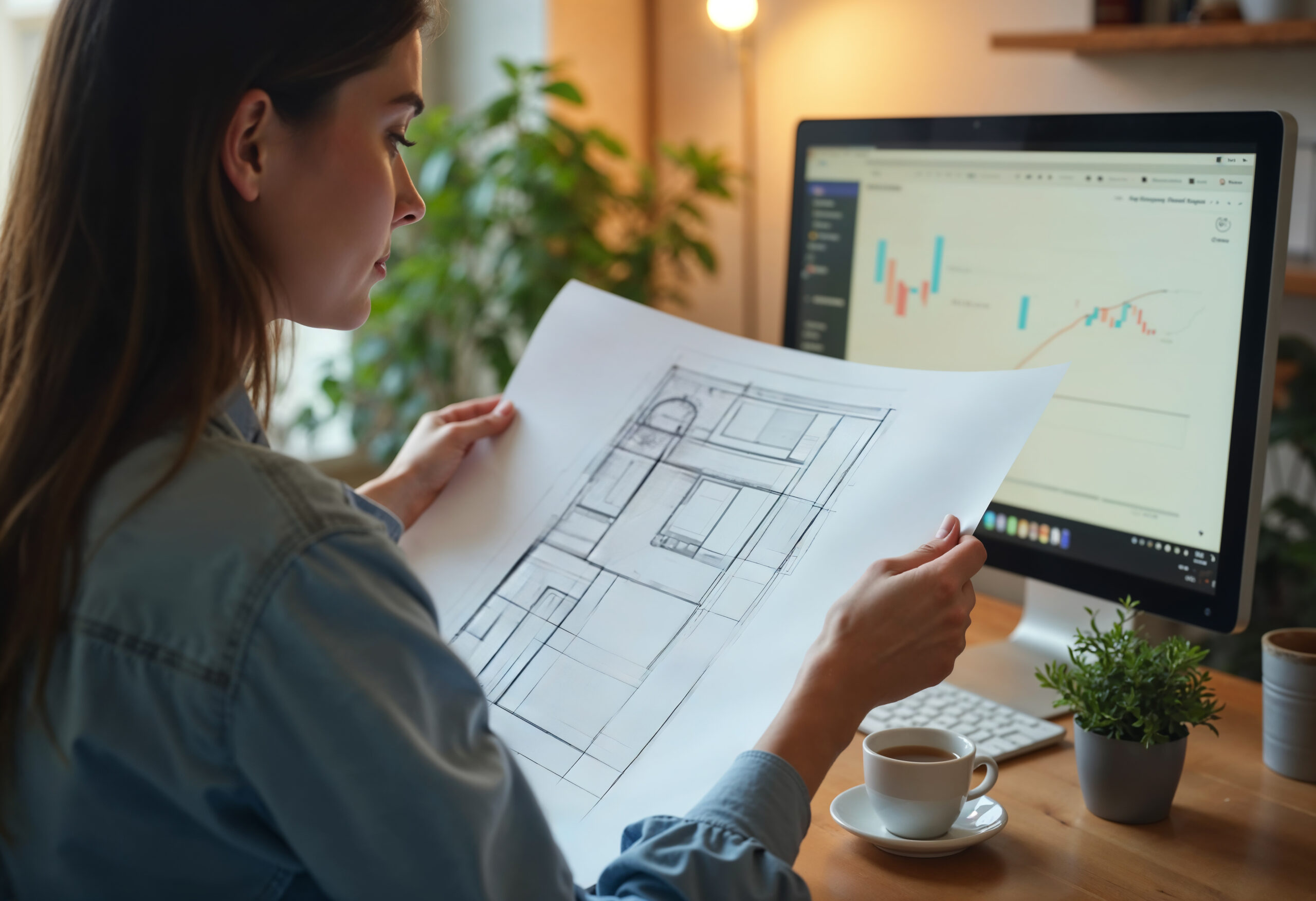

Tips to Make Your 3D Floor Plans More Realistic and Engaging For interior designers, architects, and real estate brokers, virtual floor plans have revolutionized the industry. They make it easier for individuals to picture places without actually going there.
However, I soon discovered that virtual floor plans were lacking something when I first started utilizing them—clients found the arrangement difficult to understand, and they weren’t engaging enough.
I made the decision to make them better. I’ll discuss how I improved my virtual floor plans in this blog post to make them more dynamic, realistic, and useful for clients. You too can benefit from these suggestions!
- Switching from 2D to 3D Floor Plans
At first, I used simple 2D blueprints, which were hard for clients to understand. Upgrading to 3D floor plans made a huge difference. Clients could now see walls, furniture, and room layouts in a more lifelike way.
- Adding Realistic Furniture and Décor
I started using detailed furniture models and decor that matched the actual design plans. This helped clients imagine living in the space. Bonus: it made my floor plans look professional and high-end.
- Using Virtual Tours Inside Floor Plans
Integrating virtual tours with floor plans allowed users to click and “walk through” each room. This immersive experience gave clients a better sense of space and flow—just like visiting the property in real life.
- Improving Lighting and Textures
Good lighting and realistic textures are key. I added sunlight effects, shadows, and textures like wood flooring and tile to make the space feel natural. It made everything look much more lifelike and attractive.
- Optimizing for Mobile and Web
My earlier floor plans were heavy and took time to load. I started using lighter file formats and cloud hosting so clients could access them quickly on mobile phones, tablets, or desktops without delays.
- Labeling Each Area Clearly
Clear labels helped viewers understand which room they were seeing—especially in large properties. I also added clickable icons with short descriptions or photos for kitchens, bathrooms, and storage areas.
- Customizing for Each Client
Every project is different. I began offering customization—changing colors, furniture, or layouts based on each client’s needs. It helped them feel more connected to the design and increased satisfaction.
Final Thoughts
Upgrading your virtual floor plans is not difficult. You may make a far bigger impact with small changes like improving the appearance, realism, and engagement.
These adjustments not only improved my clients’ comprehension of the area, but they also made me stand out in a crowded market.
Do you also want to improve your virtual floor plans? iAriv provides realistic, interactive, and expert 3D virtual floor plan services tailored to meet your specific needs.
Visit- (https://iariv.com) and see how you can bring your floor plans to life!